
Download VN - Video Editor & Maker – Free Video Editor without Watermarks, Mobile Video Editing Tool, Video Maker, Creative Video Tool
Overview
VN - Video Editor & Maker is a free multimedia mobile application designed to empower users with a powerful yet accessible video editing experience. Developed by Ubiquiti Labs, LLC, the software positions itself as a professional-grade mobile video editor, enabling users to create compelling visual stories directly from their smartphones. Its primary purpose is to simplify the video editing process for beginners while still offering advanced tools for more experienced creators. The app addresses common pain points in mobile editing, such as intrusive watermarks on exported videos, by delivering a watermark-free output—setting it apart from many competitors in the space.
Target users include content creators, social media managers, students, and hobbyists who need a reliable tool for quick edits, short-form video production, or personal projects. Real-world usage scenarios range from crafting social media content for platforms like YouTube, X (formerly Twitter), and Facebook, to producing personal vlogs, promotional clips, or educational materials. The app supports offline editing, allowing users to work without an internet connection, which enhances accessibility and workflow continuity. The developer did not provide additional system requirements beyond the platform.
Key Features & Capabilities
- Watermark-Free Export – Unlike many free video editors, VN delivers final outputs without any branding or watermarks, preserving the professional quality of the content.
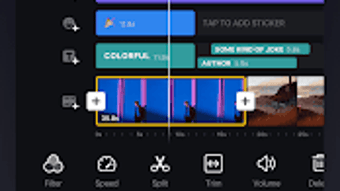
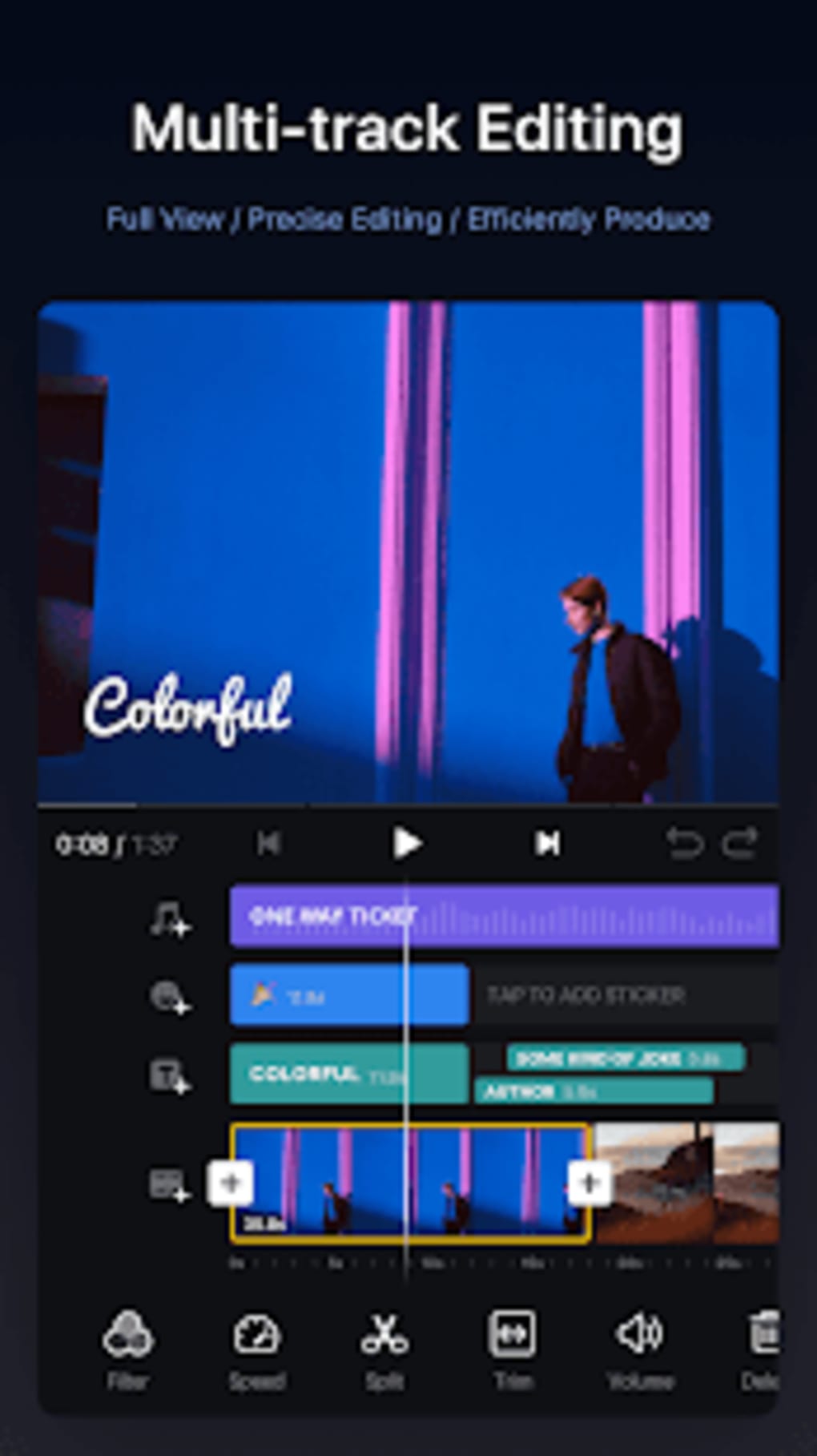
- Intuitive Timeline Editing – Users can zoom in and out on the timeline to make precise edits, with tap-based actions for splitting, dragging, deleting, and duplicating clips.
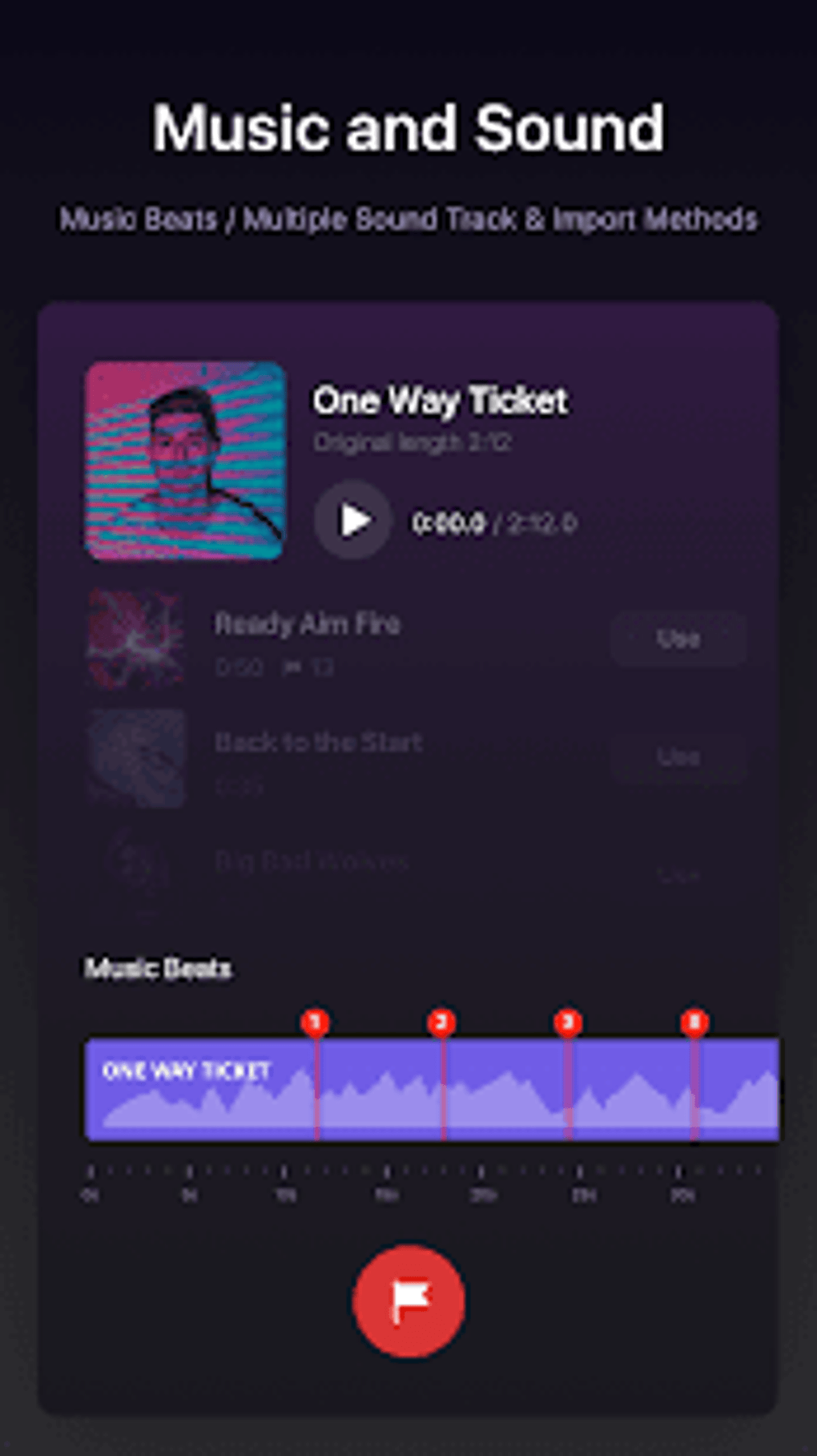
- Advanced Audio Control – Supports multiple soundtracks, music synchronization with markers, and the ability to add voiceovers via built-in recording tools.
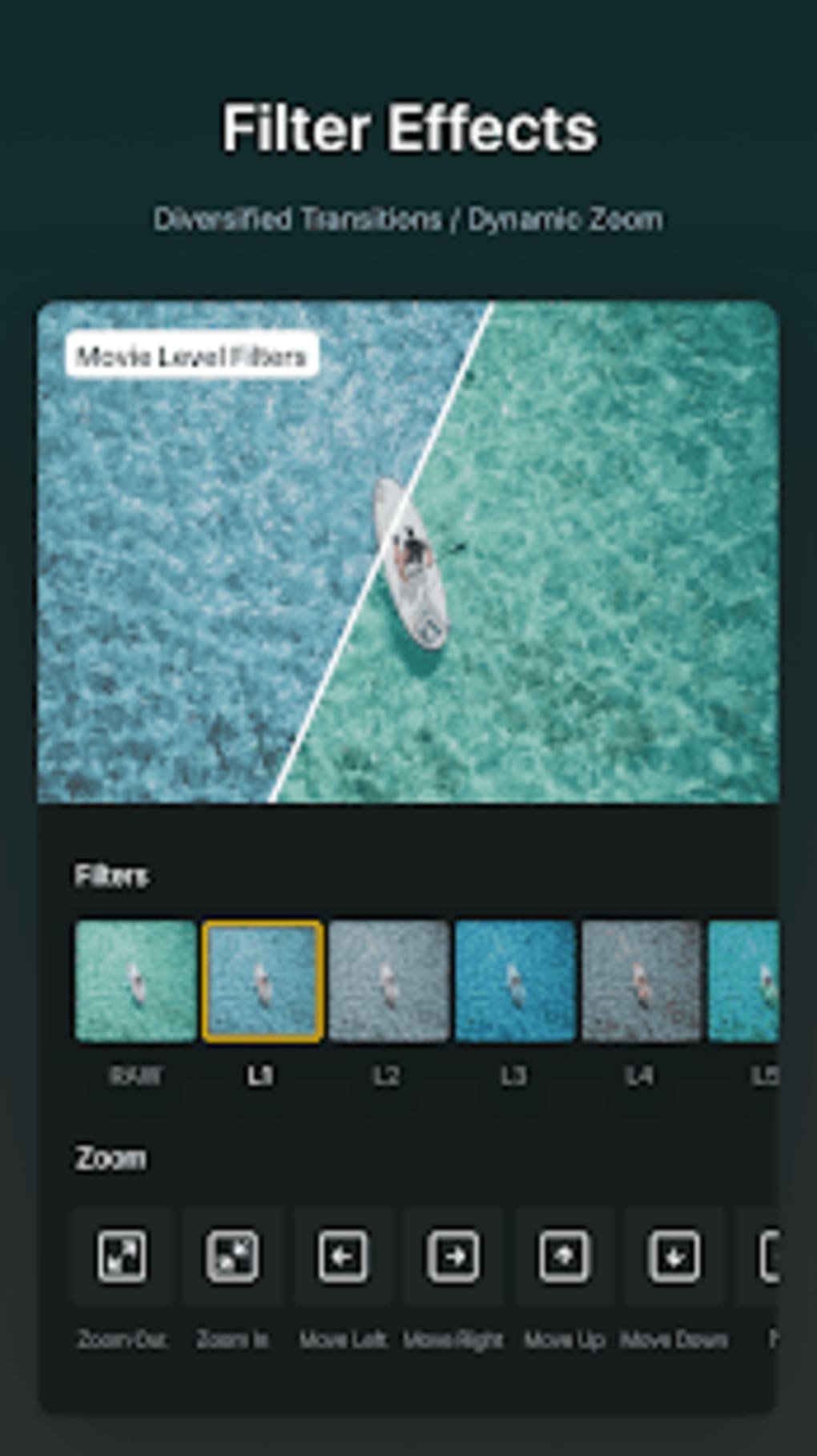
- Customizable Video Effects – Offers over 20 video filters, adjustable speed control, four transition styles, and support for LUT files (.cube) for professional color grading.
- Powerful Subtitle Tool – Enables users to add title slides and text overlays with customizable fonts, colors, and sizing for enhanced storytelling.
- Draft Saving & Resume Functionality – Allows users to save progress and return later, ensuring no work is lost during long editing sessions.
- Direct Sharing & Export – Projects can be saved to the camera roll and shared instantly via web links to YouTube, X, Facebook, and other platforms.
These features collectively support a streamlined workflow, from initial clip assembly to final export. For example, a user creating a social media reel can import footage, sync music to beats using markers, apply a cinematic filter, add animated subtitles, and export a polished video—all within a single interface. The inclusion of stock resources and recording tools reduces the need for external assets, making the app self-contained for quick projects.
User Interface, Workflow & Performance
The user interface of VN - Video Editor & Maker is designed with simplicity and efficiency in mind. The layout centers around a clean, intuitive timeline at the bottom, with media previews, toolbars, and effect panels accessible through swipe gestures and tap interactions. Navigation is straightforward, with clearly labeled icons and contextual menus that appear on demand, reducing clutter and enhancing usability.
Workflow efficiency is a key strength. The ability to split clips with a single tap, adjust audio levels in real time, and apply effects with minimal steps enables rapid editing. The app supports multitouch gestures, allowing for smooth scrubbing and manipulation of the timeline. While exact performance details were not specified, the software appears optimized for mobile environments, supporting real-time playback and rendering without noticeable lag during standard use.
Stability appears to be consistent across typical usage patterns. The developer did not specify resource usage details, but based on general mobile software behavior, the app likely manages CPU and RAM efficiently during editing sessions. Users can expect smooth performance on modern devices, though older models may experience limitations depending on hardware capabilities.
Compatibility & System Requirements
VN - Video Editor & Maker is designed for mobile platforms, supporting both iOS and Android operating systems. The app is available through official app stores, ensuring secure and verified distribution. The installation size is approximately 150 MB, which is standard for feature-rich video editing tools. However, the developer did not provide detailed hardware requirements, such as minimum RAM or processor specifications.
Exact system requirements were not listed. Compatibility information is limited to platform availability. Users should ensure their device runs a current version of the operating system to avoid compatibility issues. The app supports offline functionality, meaning it does not require a constant internet connection for editing, though some features may require online access for content downloads or updates.
Pros and Cons
Pros
- Free to use with no watermarks on exported videos
- Intuitive, mobile-optimized interface for quick learning
- Supports advanced features like LUT import and multi-track audio
- Allows saving drafts and resuming editing sessions
- Direct sharing to major social platforms via web links
- Includes built-in voiceover recording and stock media
Cons
- Limited system requirements information provided
- Premium features require subscription for full access
- No desktop version available for cross-device workflows
- Resource usage details not disclosed
- Dependent on mobile device performance for editing quality
FAQ Section
Is VN - Video Editor & Maker safe to use?
The app is generally considered safe when downloaded from official app stores. Users should avoid granting unnecessary permissions and refrain from sharing sensitive personal information within the app.
Does VN offer a free version?
Yes, the basic editing features are available at no cost. However, some advanced tools and an ad-free experience are accessible through a premium subscription.
Can I use VN on my desktop computer?
Currently, VN is only available as a mobile application for iOS and Android devices. There is no desktop version released.
Are updates free?
Yes, updates to the app are typically free and delivered through the respective app stores.
Does VN require an internet connection?
Editing can be done offline. However, certain features like accessing stock media or syncing cloud data may require an internet connection.
Final Thoughts
VN - Video Editor & Maker stands out as a compelling choice for mobile video creators seeking a powerful, free, and watermark-free editing experience. Its blend of professional features—such as LUT support and multi-track audio—with a user-friendly interface makes it suitable for both beginners and intermediate users. The ability to save drafts, record voiceovers, and share directly to major platforms enhances workflow efficiency and content distribution.
While the lack of a desktop version and limited system requirements information may be drawbacks for some, the app delivers strong value in its current form. For users focused on mobile-first content creation, VN offers a robust toolkit that rivals many desktop alternatives in functionality.
Download VN - Video Editor & Maker now and start crafting your visual stories today.





.png)

